Day 72

Today I restarted my level.

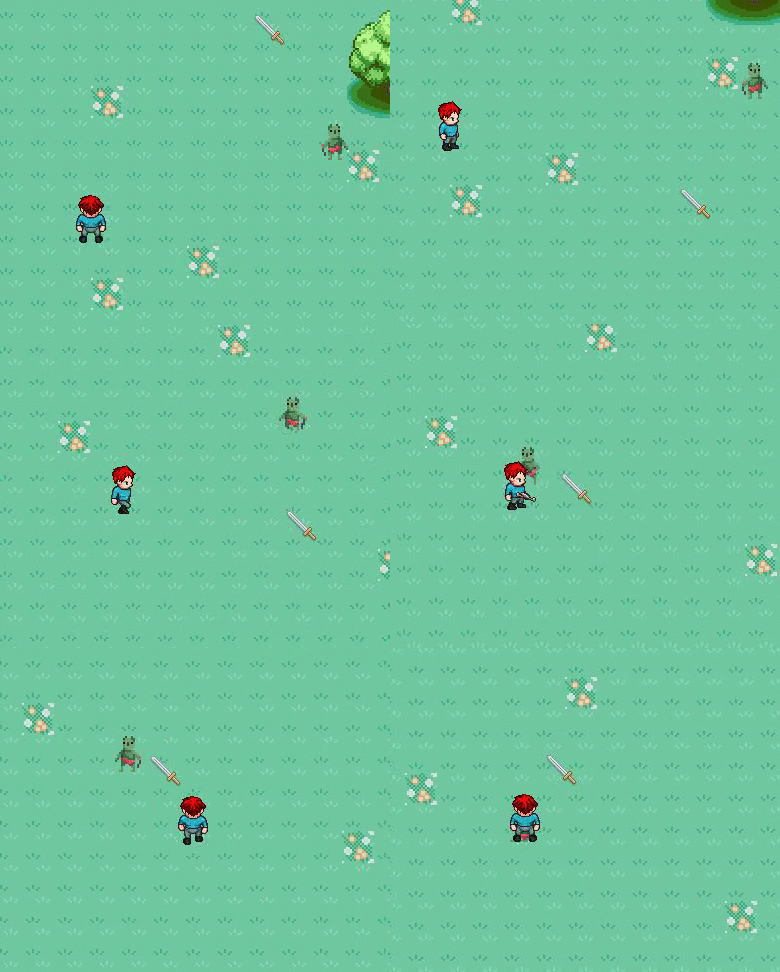
My outside of school friend gave me an idea of a game.  It is kinda like a huge battle field game with guns (kinda like a 2d version of planetside 2) So I started on the map. I made it very huge 16k x 16k tiles in length. I didn't get very much done in class because I tried to tile the ground but it's kind of hard to do on 16k x 16k.

Here is my progress

So ya tomorrow is the last day of school so I will write up a bit on what i've learnt this entire semester.

Day 71

Today I fixed my cursor problem and worked on other things.

I actually found out that Howard fixed my cursor while I was gone because Kody had told him that I needed help with that. The code that he put was cursor_sprite=spr_sword_cursor; it was that easy of a fix, but I thank Howard because he fixed it.

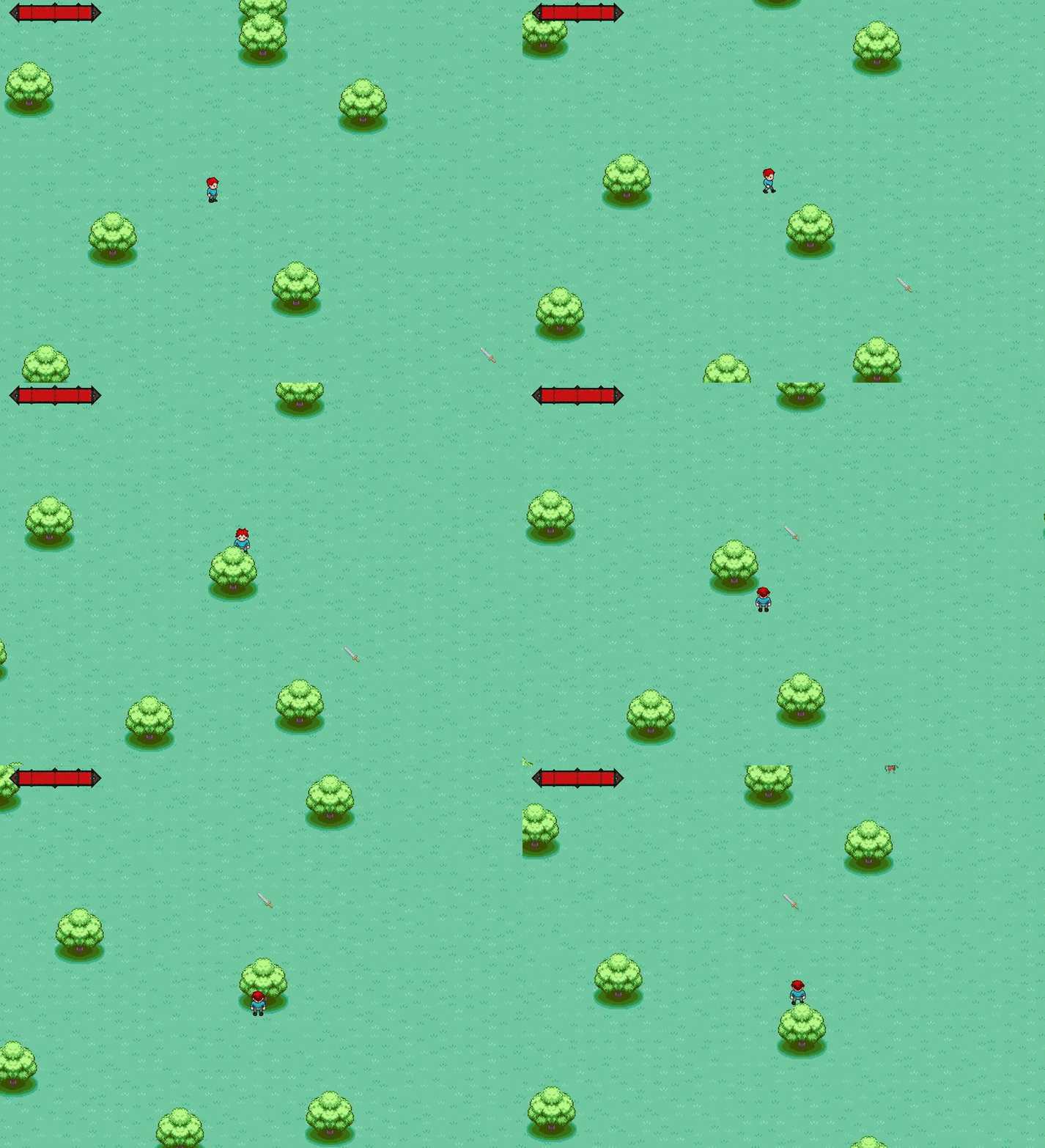
After that I started working on adding trees. I used the trees from my previous level but this time instead of making individual tiles I made a parent object for the tree and inside I set it so that its depth = -y which makes it so that you can go behind and in front if the tree depending on your Y position. So for example if your y is 5 and the tree Y is 4, your y becomes -5 and the tree y becomes -4 which means you would go under that part of the tree. This is a very simple mechanism especially for top-down games.

Next class I will be working on some other stuff.

Day 70

Today I finally fixed my problem for the enemy death. I found out I forgot to add this code inside the enemy animation code...

if hp > 0
{
//code here
}
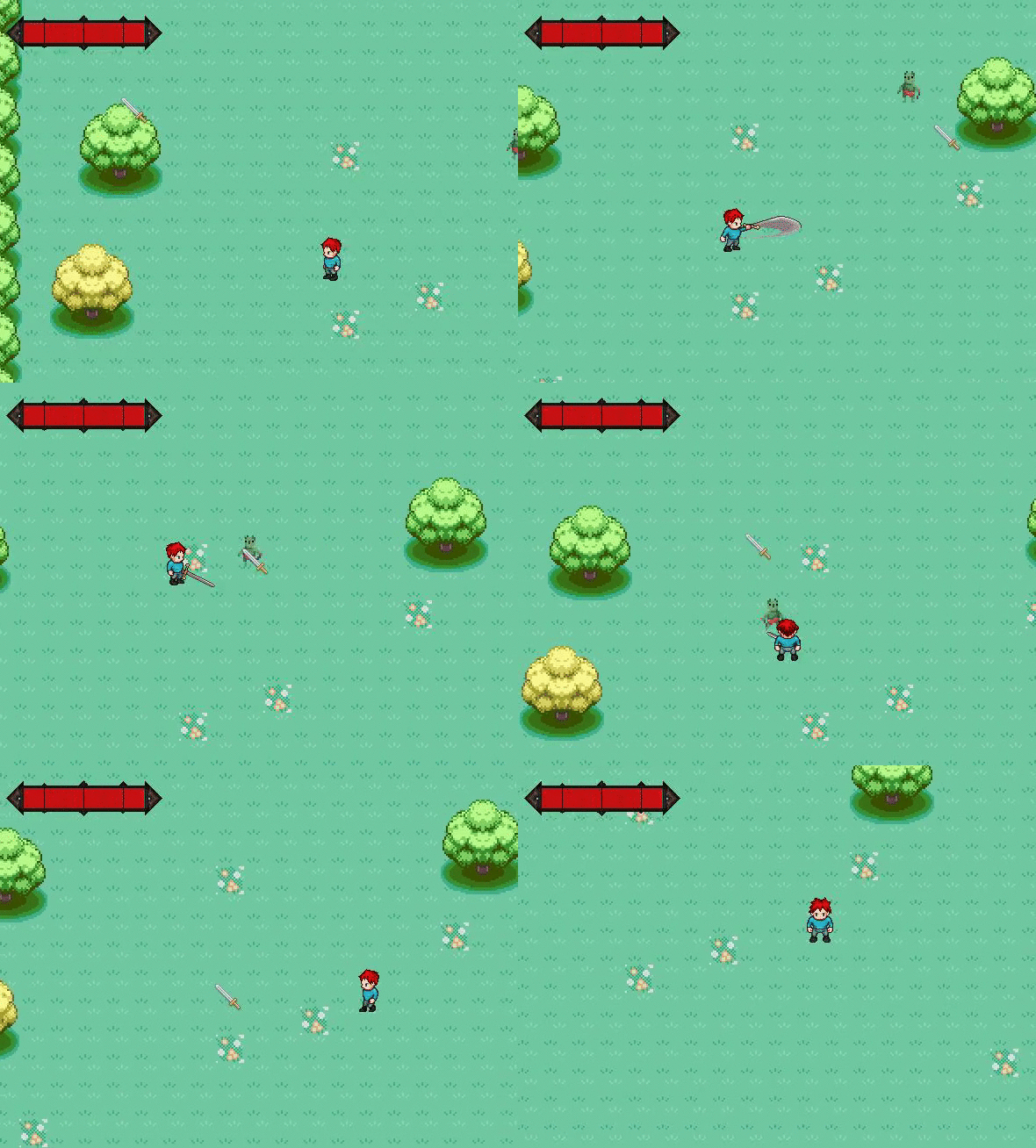
And it worked! Here is the result:
I tried to record in higher fps with a different GIF recording tool called "Giffing Tool", but you have to pay to remove the watermark so i'll only use it in emergencies if you want to see all the frames without cutting any.

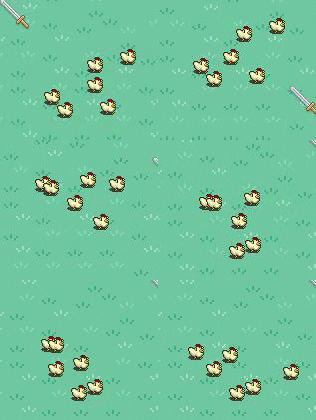
At the end I worked on a new level. I made the room size 2000x2000 and I put grass everywhere, one golbin, and a few chicken herds in random places. I loaded up the level and my mouse cursor wouldn't appear and I placed it in the room.

Tomorrow I will work on fixing the mouse cursor because it's probably an easy fix such as the camera not being centered.

Day 69

Turns out I didn't actually fix it... It still does it sometimes and it is bugging really hard. I was looking through my code and couldn't find anything to fix it. So I moved on to something else.

While I was looking through reddit/gamemaker I found this post that showed a tutorial of how to make a chicken herd Here. I followed the tutorial (and no, I didn't just copy and paste the code, I followed the tutorial and read the code and I understand how it works) and it worked! I now have a chicken herd.

Tomorrow I will be working on something else.

Day 68

Today I finally fixed my problem of the goblin animation.

Most of the class today I was helping out Kody Brooks with his programming in GML but I still got some work done.

I removed my death state because it didn't really make sense. And I added this code inside of the current states:
if hp <= 0
{
    state = scr_enemy_static
}

What this does is that it changes to the static state (or idle state) then inside of the static state I put this:

if hp <= 0
{
    sprite_index = spr_goblin_death;
    image_speed = 0.3;
}

I made the actual sprite switch inside of the idle state, And it worked!

Tomorrow I will be working more on the goblin AI.

Day 67

Today I worked more on my enemy death.

I tried changing some things inside the goblin but I could never figure out why the death animation only activates when I'm touching the goblin. I made a new event inside of the goblin called "Animation End" and made it so that when the death animation of the goblin ends, to destroy the instance of the goblin. But that still didn't work.

I tried to do everything this class but I can't figure out why it doesn't play the animation,

Tomorrow I will try more things or post online for help.

Day 66

Today I worked on the death animation of my Goblin enemy.

I added a new state and called is scr_enemy_death() and inside I added:

enemyspeed = 0;
sprite_index = spr_goblin_death;

if image_index = 9
{
    image_speed = 0;
    alarm[2] = 60;
}

This code changes the current sprite of the enemy to the death sprite. But when he changes it just freezes for some reason and I can't figure out why. 

Next class I will try to figure this out.