Today I worked more on my enemy death.
I tried changing some things inside the goblin but I could never figure out why the death animation only activates when I'm touching the goblin. I made a new event inside of the goblin called "Animation End" and made it so that when the death animation of the goblin ends, to destroy the instance of the goblin. But that still didn't work.
I tried to do everything this class but I can't figure out why it doesn't play the animation,
Tomorrow I will try more things or post online for help.


Day 66
Today I worked on the death animation of my Goblin enemy.
I added a new state and called is scr_enemy_death() and inside I added:
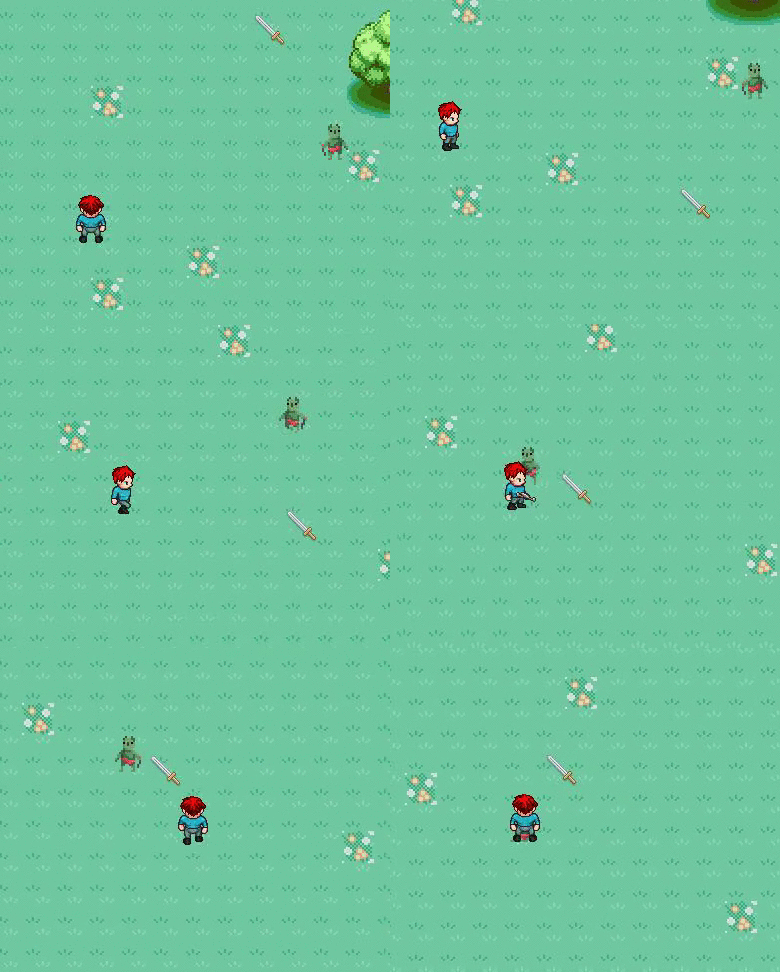
I added a new state and called is scr_enemy_death() and inside I added:
enemyspeed = 0;
sprite_index = spr_goblin_death;
if image_index = 9
{
image_speed = 0;
alarm[2] = 60;
}
This code changes the current sprite of the enemy to the death sprite. But when he changes it just freezes for some reason and I can't figure out why.
Next class I will try to figure this out.
Day 65
Today I didn't do much because I helped out Zack for most of the class inside of scratch (because scratch is like the basics of progamming). But what I did today was that I fixed some parts of the enemy AI.
I edited his code because he would keep running into a wall sometimes until it was his turn to turn into the other side. So I added a code that made it so that when he is 5 pixels away from the wall and he's walking in that direction, that he would automatically do a 180 degree turn and walk that way until the direction changes again.
(I can't really add a GIF because it's a random chance that this happens)
Tomorrow I will work on some other things inside of my game.
I edited his code because he would keep running into a wall sometimes until it was his turn to turn into the other side. So I added a code that made it so that when he is 5 pixels away from the wall and he's walking in that direction, that he would automatically do a 180 degree turn and walk that way until the direction changes again.
(I can't really add a GIF because it's a random chance that this happens)
Tomorrow I will work on some other things inside of my game.
Day 64
Today I made it so that you can kill the goblin (finally).
I started off the class thinking of how I can make the attack work, and I came up with the idea to make a separate object that gets created when you attack and does the damage (a hitbox). I made the object and called it obj_hitbox and I made the sprite a red box. Inside I made Step event and said
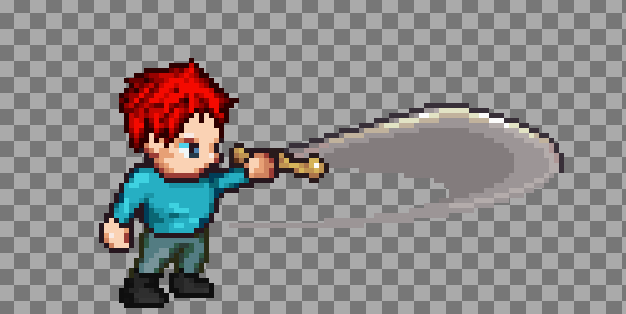
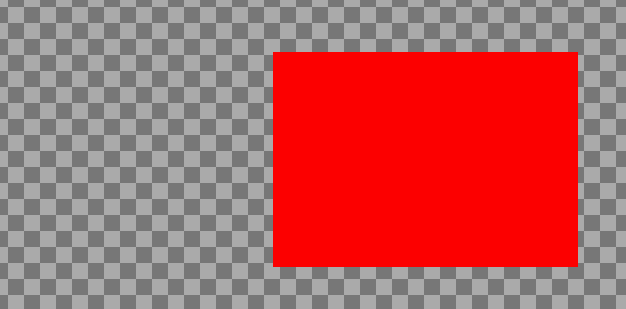
I started off the class thinking of how I can make the attack work, and I came up with the idea to make a separate object that gets created when you attack and does the damage (a hitbox). I made the object and called it obj_hitbox and I made the sprite a red box. Inside I made Step event and said
if place_meeting(x, y, obj_goblin)
{
goblin.hp -= global.weapondamage;
alarm[0] = 1;
}
Pretty much what this code does is that checks if the object (obj_hitbox) is colliding with the goblin (obj_goblin) and if so, then remove the weapondamage's amount from goblin's hp, then in 1 frame run the code that is inside alarm 0 which is instance_destory(), this code destroys the object (obj_hitbox).
I tested it and it worked but there was one problem, the hitbox kept getting created inside the same place no matter in which direction you were attacking. So I came up with the idea that I would make multiple hitboxes for every direction that I'm attacking.
So i started by duplicating the current attack sprites (up, down, left, right)
and then deleting all the frames only the one that actually attacks. Then I would make a red square over the hitbox then delete the rest of the player.
Like This
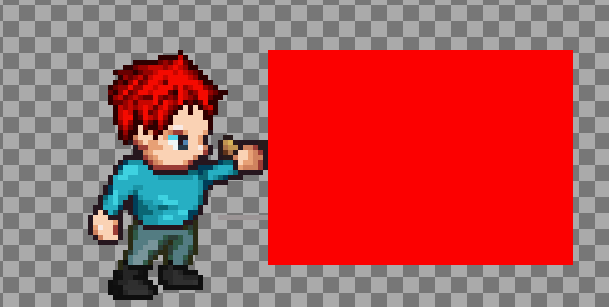
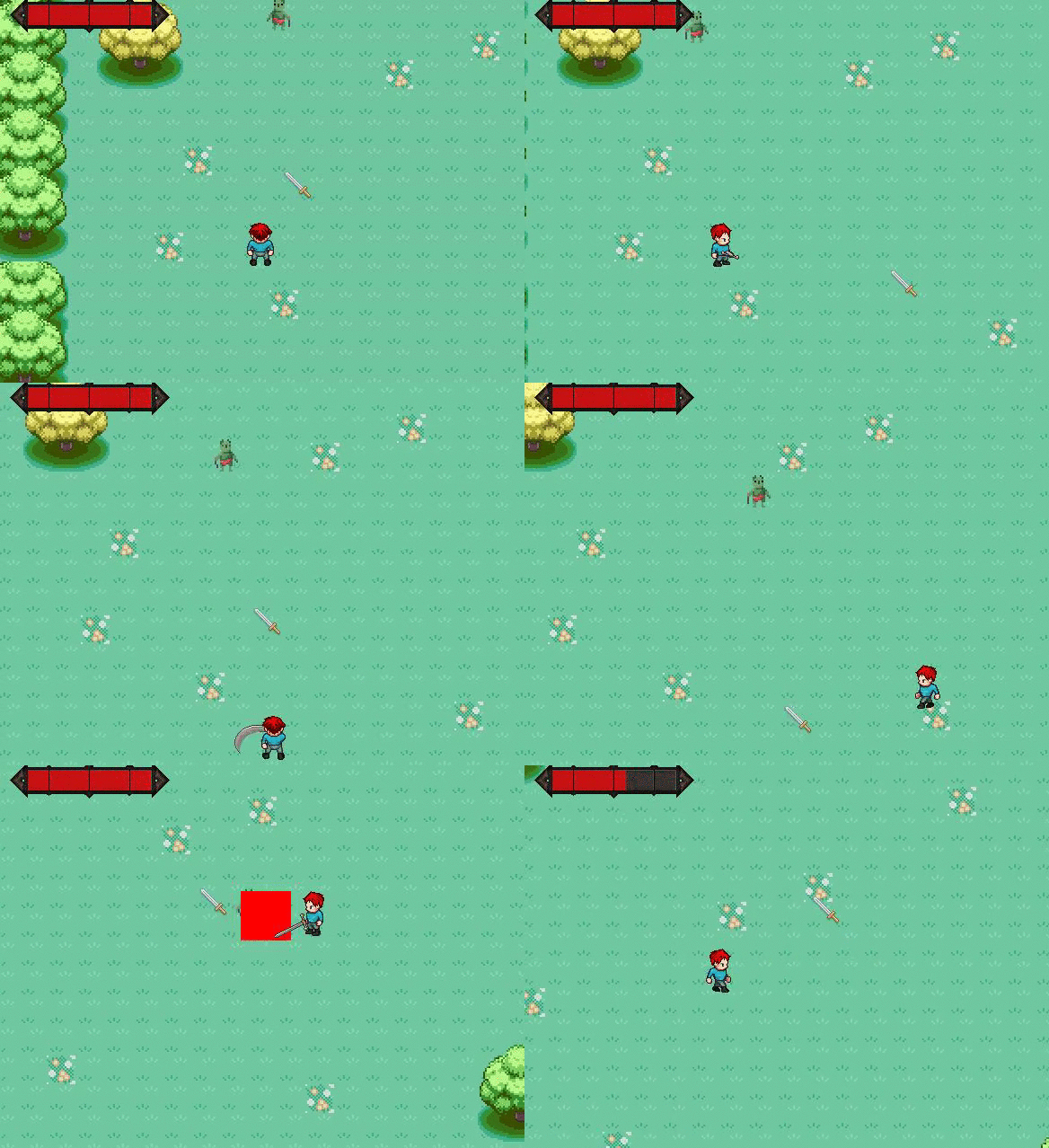
I did this to all the directions of attacking and then I made different hitbox objects for all the directions with the same code. Then in my attacking code I added instance_create(x,y,obj_hitbox_<direction>).
This is the result
The red hitbox just shows the hitbox of my attack but I can make it non visible whenever I want to
Tomorrow I will work on some bug fixes on the goblin and maybe my player.
Day 63
Today I worked on the attacking more. I finally fixed the attacking because I found the problem was that I made the image_index (which tells which frame of the sprite to use) for my spr_player (which has all the frames for up, down, left, right, inside of it) also somehow apply to my attack animation which was individually up,down,left,right. So I had to rewrite both the normal movement and the attack by adding individual sprites for every direction.

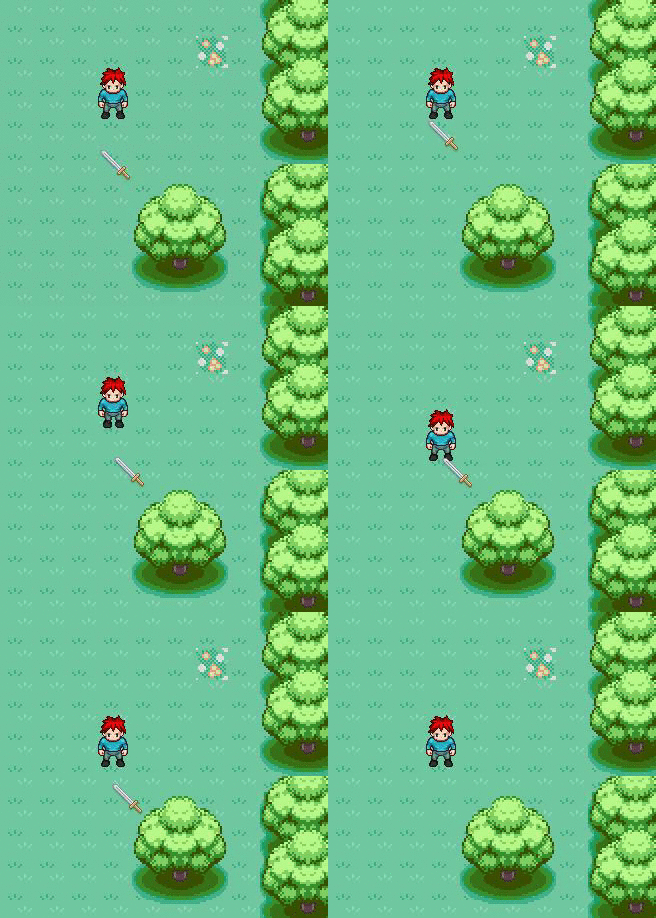
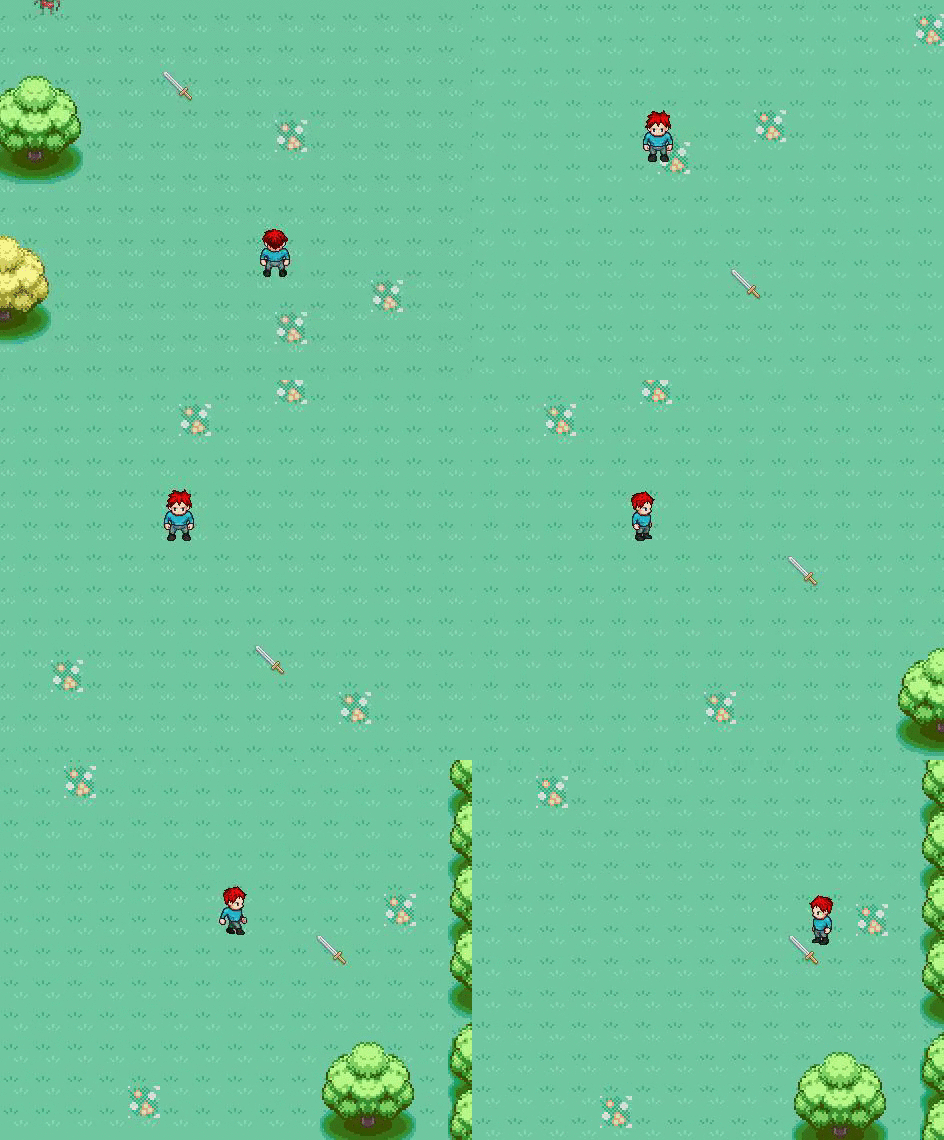
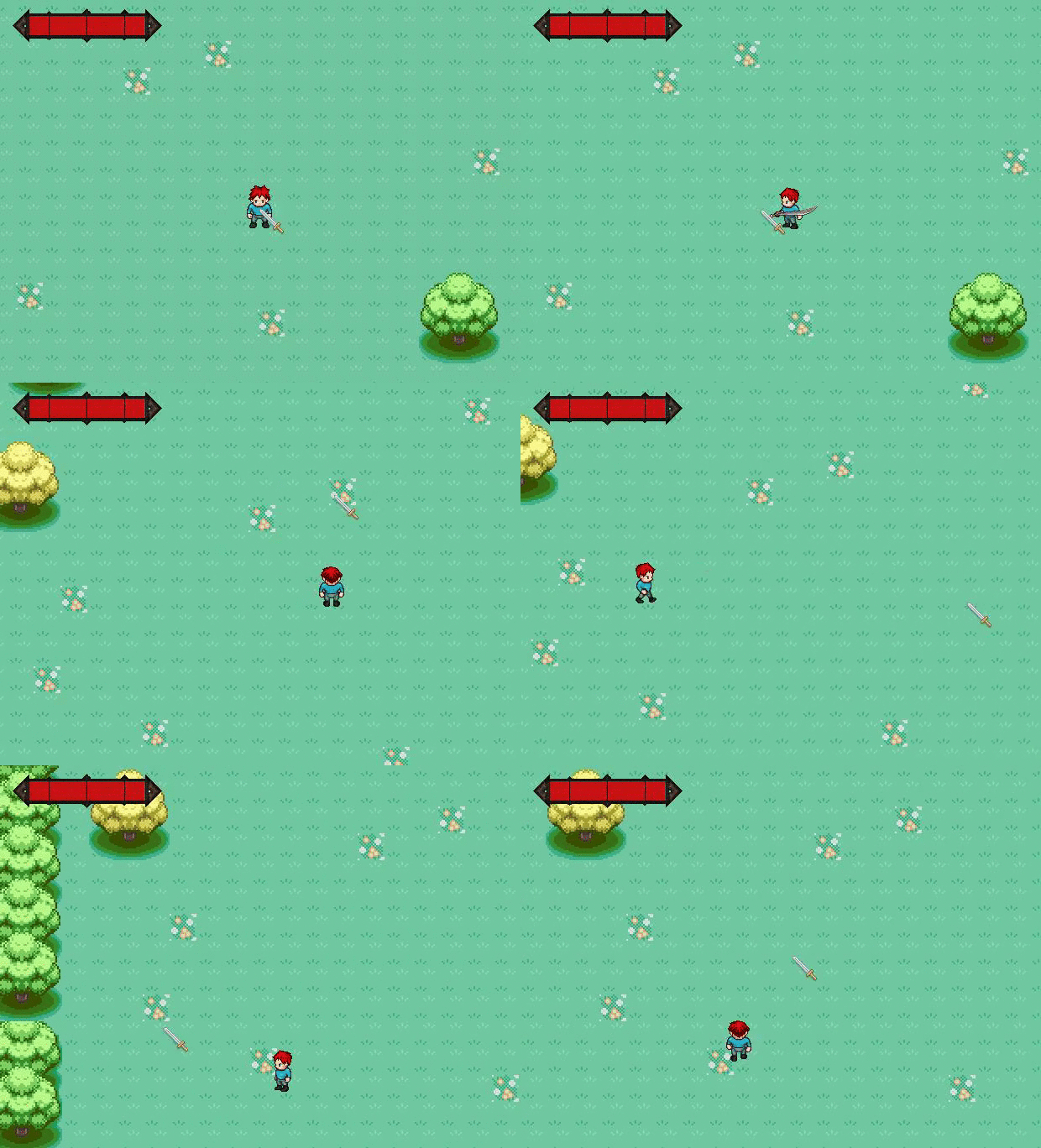
And I got my attacking to work :) (the GIF doesn't show the full attack animation, trust me it looks better in real life)
Then after this I worked on making it that so when the player stops moving, the sprite will stop moving and be set to the idle sprite. It wasn't that hard i just had to make 4 different individual sprites and set them to one frame that is the idle image for that direction. Then I had to make a variable that checks if the player is currently moving by saying if the horizontal speed or vertical speed is greater than 0 then moving equals true. Then I made it so that when moving equals to false, then set the object to the idle sprite in the current direction its facing.
Here is the result of the coding
At the end of class I thought of an amazing idea. I said that the player should face in the direction of the mouse and attack in that direction. So I had to change what the variable "dir" comes up as. And using the point_direction(x1,y1,x2,y2) made it so that it finds the X and Y of the mouse. Then I made it change depending on where the mouse is on a 360 degrees scale
if(dir > 45 && dir <= 135){
// Up
}else if(dir > 135 && dir <= 225){
// Left
}else if(dir > 225 && dir <= 315){
// Down
}else if(dir > 315 || dir <= 45){
// Right
}
This is the basic format of the code and I did the same thing with the attack.
Here is the result
Whew that was a lot of writing but it pays off XD
Tomorrow I will work on actually doing damage when the sword hits the enemy/goblin.
Day 62
Today I worked on the character attack animation for my player. I took it from the RPG set that I got online.
I put it in my game by adding a new variable called "attacking" that comes up either true or false depending on whether you're attacking or not. Then in my obj_player's step event I made a new script and called it "attacking" and inside i made it so that if i'm currently attacking to set it to "true".
It took a while to write all the code (most of the class)
When i finally finished i tried it out, it attacked in the right direction, BUT it would keep glitching out and not doing the complete animation for the attack.
Sorry I don't have any images or pictures because I ran out of time during class (i'm writing this from home)
Tomorrow I will try to fix the attack.
I put it in my game by adding a new variable called "attacking" that comes up either true or false depending on whether you're attacking or not. Then in my obj_player's step event I made a new script and called it "attacking" and inside i made it so that if i'm currently attacking to set it to "true".
It took a while to write all the code (most of the class)
When i finally finished i tried it out, it attacked in the right direction, BUT it would keep glitching out and not doing the complete animation for the attack.
Sorry I don't have any images or pictures because I ran out of time during class (i'm writing this from home)
Tomorrow I will try to fix the attack.
Day 61
Today I worked on my top down game.
I got new sprites for my player using this website
http://gaurav.munjal.us/Universal-LPC-Spritesheet-Character-Generator/

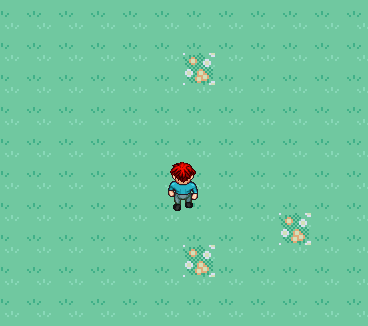
I got new sprites for my player using this website
http://gaurav.munjal.us/Universal-LPC-Spritesheet-Character-Generator/

Then I implemented them into the game
Then I tried to add my attack into the game but barely got any progress because I couldn't figure out how to make it stay with the player.
Tomorrow I will try to implement the damage by the player.
Subscribe to:
Posts (Atom)