Today I worked on the mute button.
I finally got a response on Reddit and someone told me to check out all the audio commands in Game Maker so I did. And apparently there is a command called audio_master_gain(); which you can set the gain for ALL the sounds (master). So i put that into my game code to set the master gain to 0 when i press the mute button, and it worked! Then I wanted to put the code inside the step event so I could have it so that when you press "M" OR you press the left mouse button it would mute/unmute. So I made a variable called mouse_left and set its value to mouse_check_button_released(mb_left); and then I made a variable called key_m and set its value to keyboard_check_pressed(ord("M")); Then I added an "if" statement and said that if key_m or mouse_left return true then execute audio_master_gain(); and change the sprite to the muted sprite.
Tomorrow I might start finishing up my game by adding a new last level, working on sprites, and an end screen.


Day 44
Today I worked on a new pause menu. I made the pause menu interactive so that you can exit to main menu and restart and continue the level.
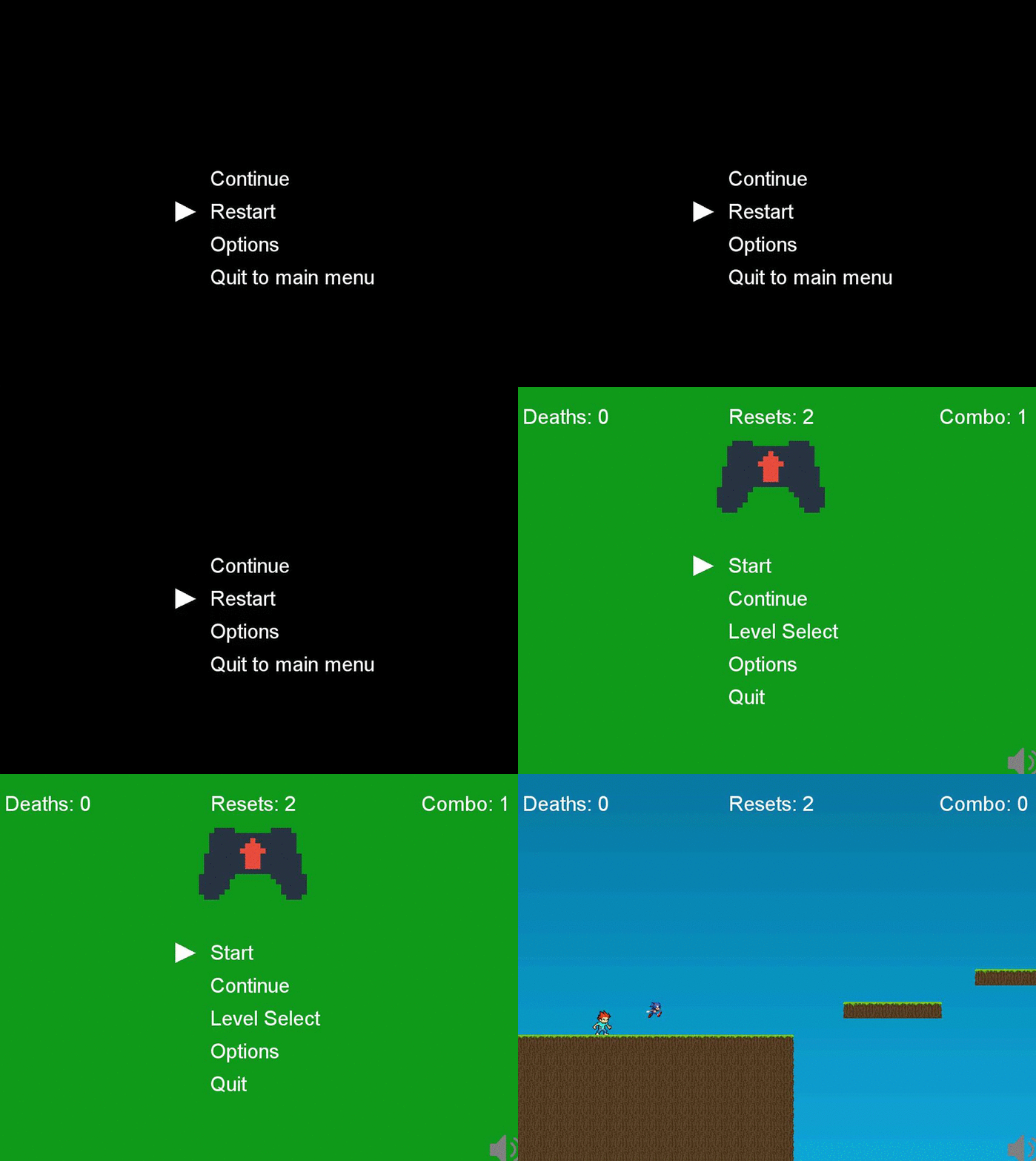
The code was almost the exact same as the main menu and level select menus I only had to add a new variable called "pause" where the code would only activate if i press pause. And then I made a new script called scr_pause where I added the cases for the arrays that will activate.
In the last bit of class I tried to find out how to add arrays but I still couldn't figure out how. So i asked around on reddit to see if anyone had the answer for my question, but i haven't gotten a response yet.
Tomorrow I will see if anyone responds on reddit.
Day 43
Today was a shortened block and I couldn't do as much work today. Today I wanted to add multiple values to one variable but I couldn't figure out how to. So i googled it and I found something called an array. An array is a way that you can add multiple values to one variable. The syntax kinda looks like this
array[2] = 0;
array[1] = 0;
array[0] = 0;
This is defining the array variable with a certain number or value. You can then pull out that certain value of that number like this.
Switch(array){
case 1
{
//code here
}
}
case 1 pull out the value from array[1] case 2 pulls out array[2] etc. if you know what i mean.
I used this for the tutorial:
http://docs.yoyogames.com/source/dadiospice/002_reference/001_gml%20language%20overview/401_06_arrays.html
I wanted to add all my sounds into one variable called audio. So that when I press the mute button i can use audio_sound_gain(audio,0,0) so that the volume goes to 0.
Tomorrow I will find a way to work with arrays in my game and mute the sound.
array[2] = 0;
array[1] = 0;
array[0] = 0;
This is defining the array variable with a certain number or value. You can then pull out that certain value of that number like this.
Switch(array){
case 1
{
//code here
}
}
case 1 pull out the value from array[1] case 2 pulls out array[2] etc. if you know what i mean.
I used this for the tutorial:
http://docs.yoyogames.com/source/dadiospice/002_reference/001_gml%20language%20overview/401_06_arrays.html
I wanted to add all my sounds into one variable called audio. So that when I press the mute button i can use audio_sound_gain(audio,0,0) so that the volume goes to 0.
Tomorrow I will find a way to work with arrays in my game and mute the sound.
Day 42
Today I worked on a lot of stuff. I started off the day by working on a new level.
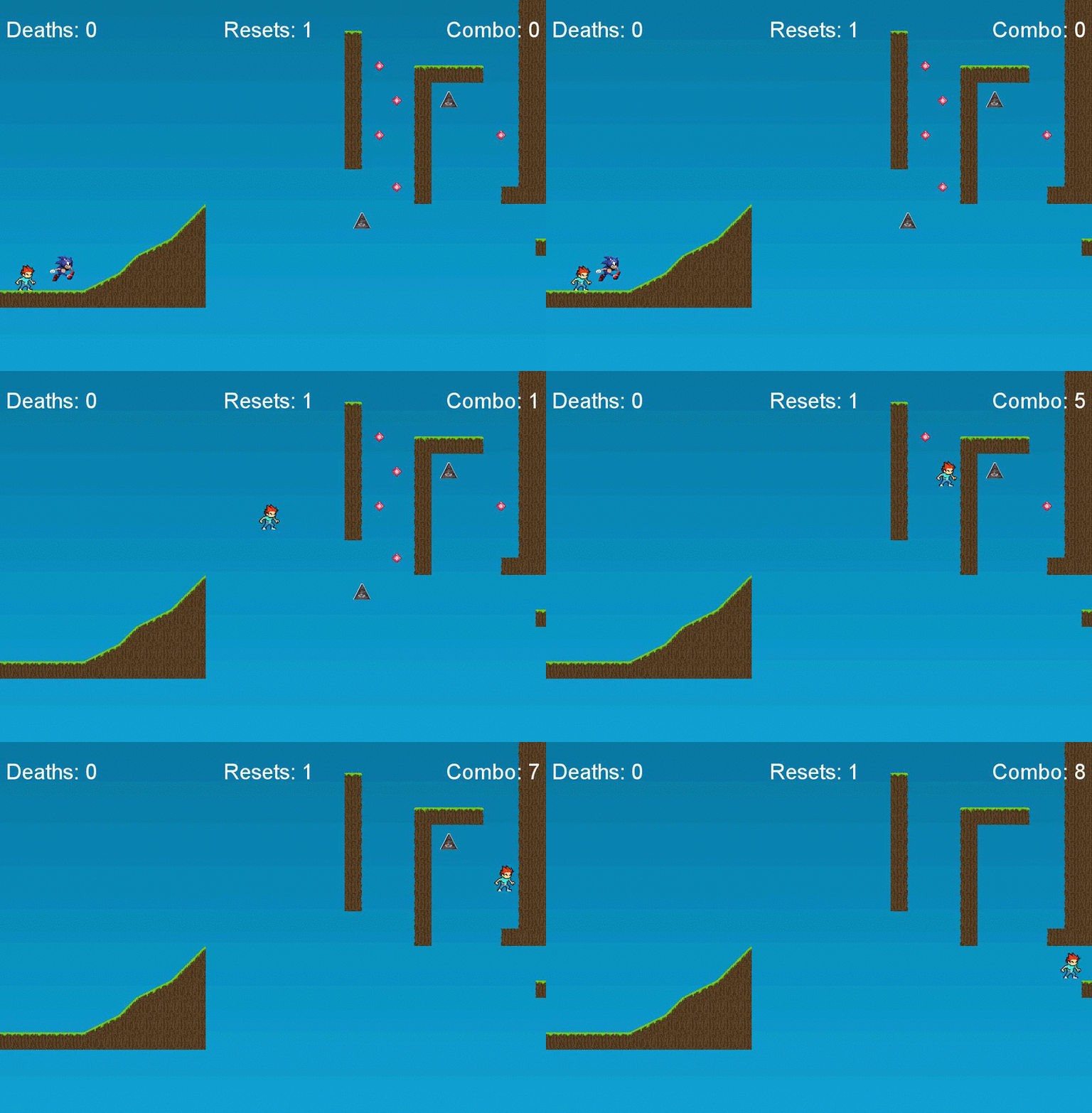
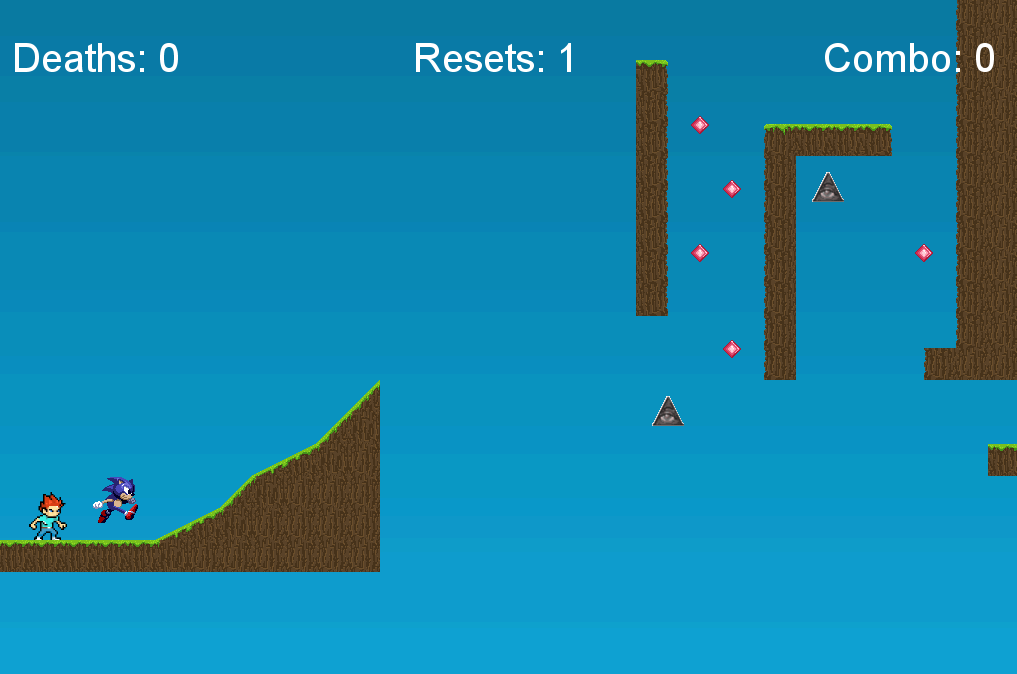

I didn't have time to add it to the level select menu but it's fun :). It took a lot of time to test the level closely to make it work. I got my friends to test it out for me too. After that i tried to work on a new thing that mutes the game like a little speaker at the bottom of the game.
I tried doing many things but the game would just keep crashing every time i tried it. I think I know whats wrong and I will try to fix it next day.
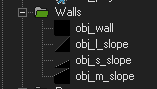
I also worked on new slopes that i added to my level.
This week I learned a lot of things. I learned how to make the sound play only once when the variable equals that ammount I also learned how to add new slope sizes into the game, i learned how to add a new speed powerup. This week was fun.
Next day I will work on fixing the audio mute and some other problems.
Day 41
Today I worked on a new power up that adds speed whenever i pick it up. My movement speed goes from 0.3 to 0.5. I made the sprite of the powerup Sonic because, you know, Sonic is fast....

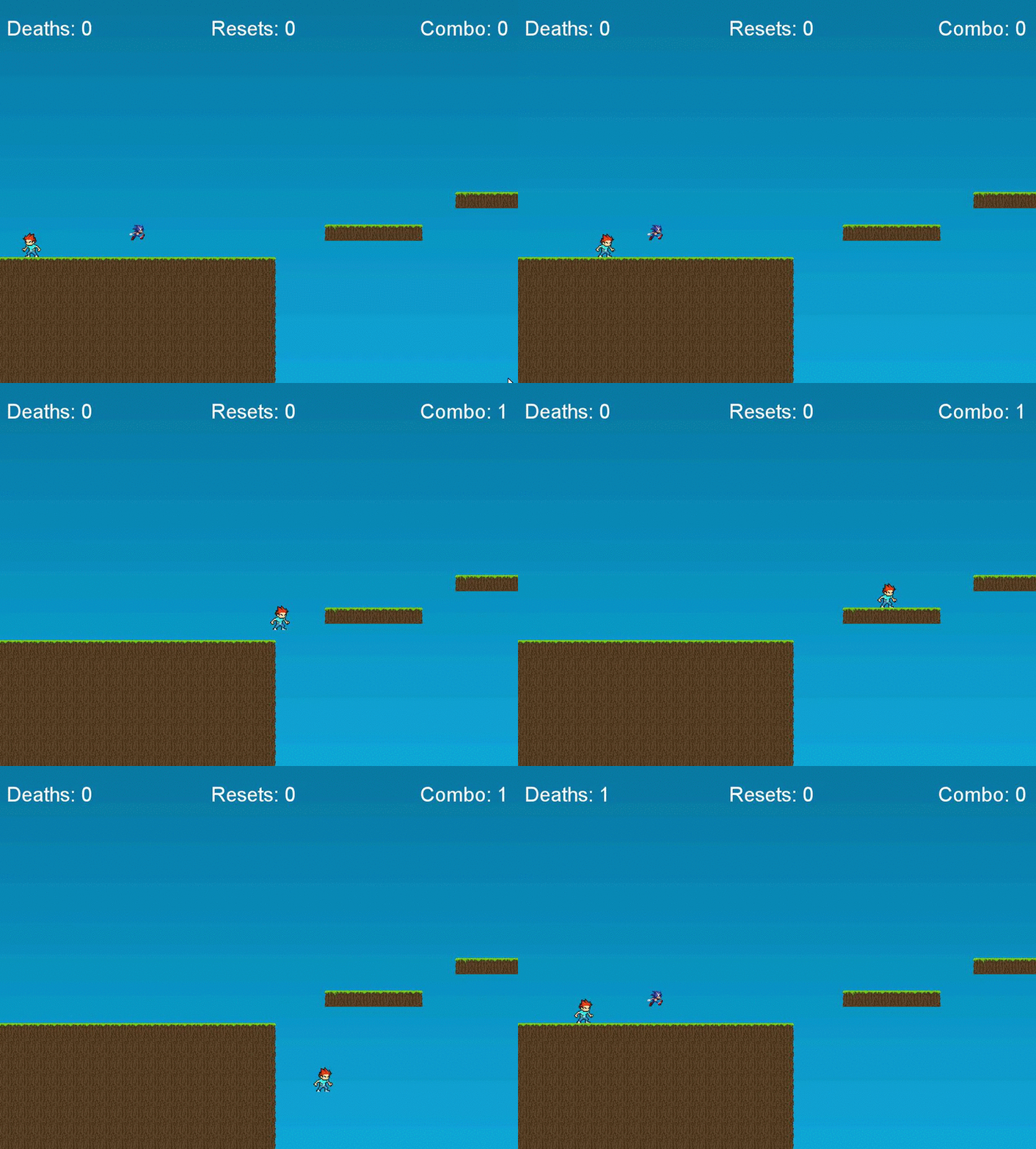
I did a lot of coding to make this work. I added a new variable called speed_powerup and made it so that when i pick it up my movement speed increases to 0.5 and plays a distorted version of the sonic theme until I die, reset or go to the next level.
I tried to change the player sprite too to sonic once i pick it up but I couldn't figure it out.
Tomorrow I will work on a new level.
Day 40
Today I did some cool things. I changed the sprite for the current red block enemy and set image_speed to 0.3
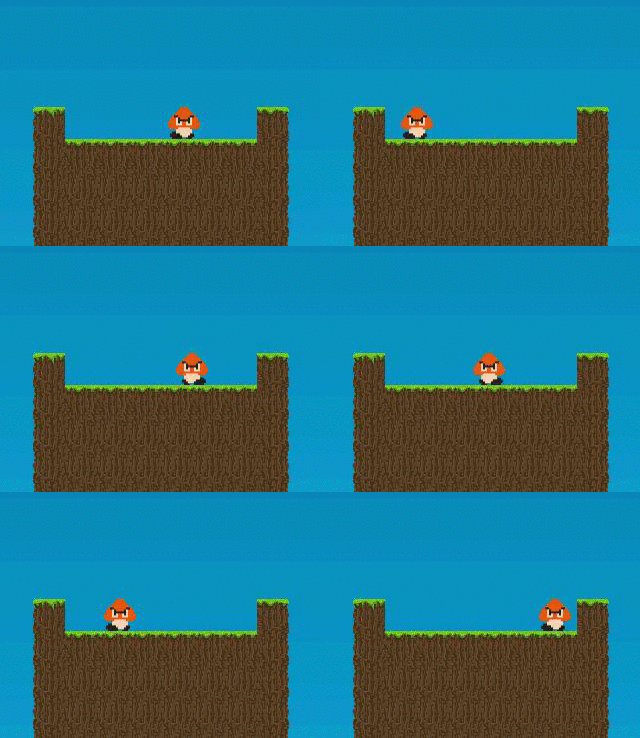
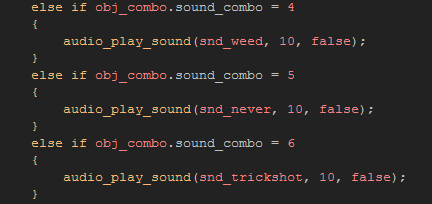
I think it looks very cool imo compared to the normal red block because they share the same things (only way to kill is to jump on them). After this I added more sound effects to the game. I counted a total of 6 possible combos on the last level so I had to make sound effects for combos:4, 5, and 6.
This game become an MLG parody of my original game. Quinn suggested I should make the game "MLG" and add all these "weed" sound effects for the laughs lol. (The humor of this generation is very weird and strange so don't be confused)
Then Zack suggested I should add another goomba to that part of Level seven so I could have a total of 7 combos. And then I added another sound effect for the 7th combo.
Tomorrow I will add a new powerup to the game.
Day 39
I got a reply on my Reddit post about on how to do the code that I've been trying to fix for the past 2 days. And the code that he sent me worked. I just need to edit it so that it works for all my powerups.
OK so I made some changes to the code and added it to the rest of my objects (powerups, and enemies) and it works.
I made a controller object to which i assigned all the code to try to make it consistent throughout all levels but it still wouldn't work.
Then I made a draw event in the controller object and made it so that it writes Combo: (combo amount) so it is easier to tell how much you have.
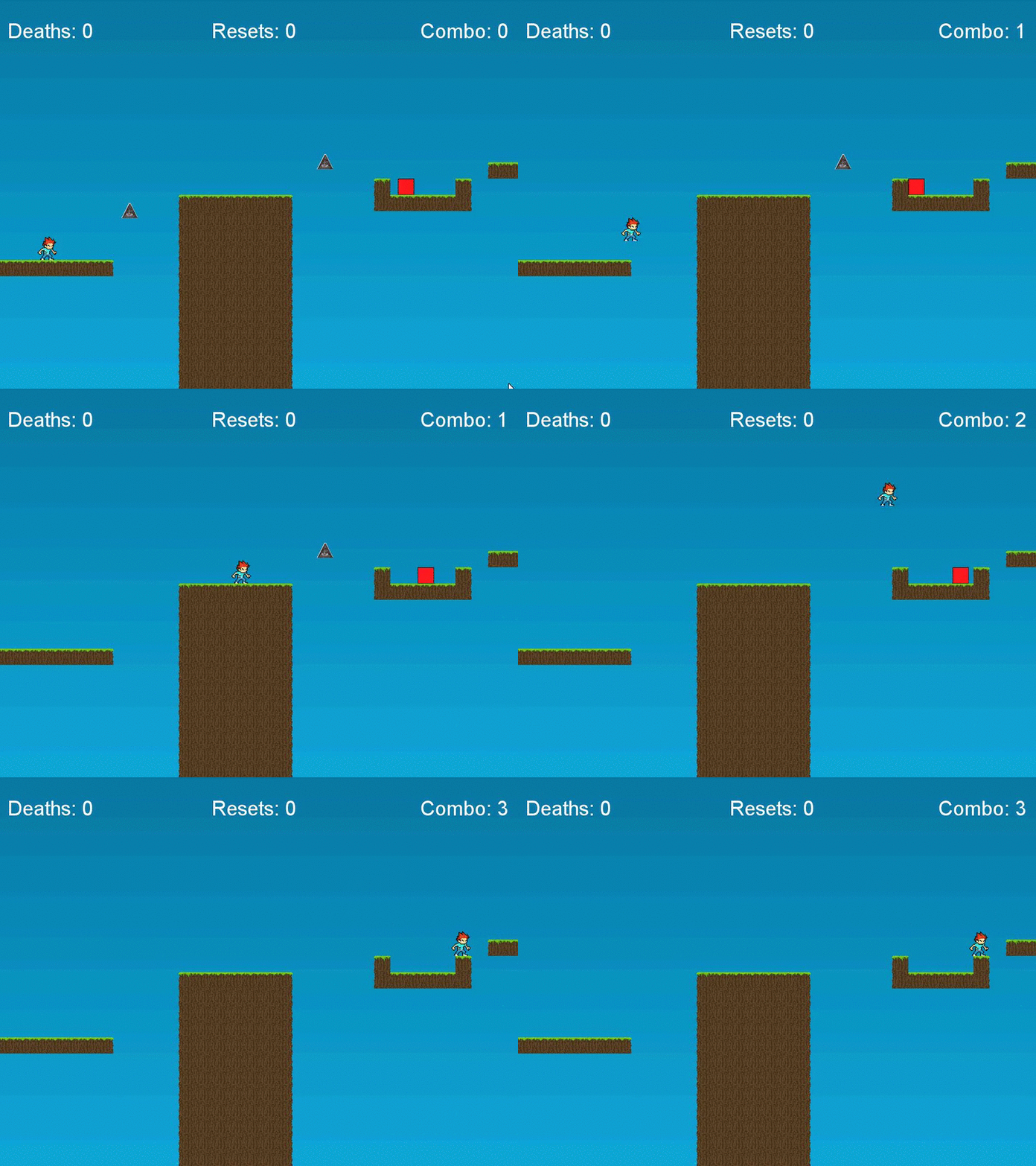
Class is coming to an end, and today I learned how to make a sound play only once when you have that amount in a variable thanks to the person who helped me out on Reddit.
Tomorrow I will be working on something new. I might change the sprite for the enemy and maybe make it a goomba (lol).
Subscribe to:
Posts (Atom)